
How to Fix "Strict Firewall" Error
Can't play with friends? Port forwarding not working? Here is the ultimate solution.
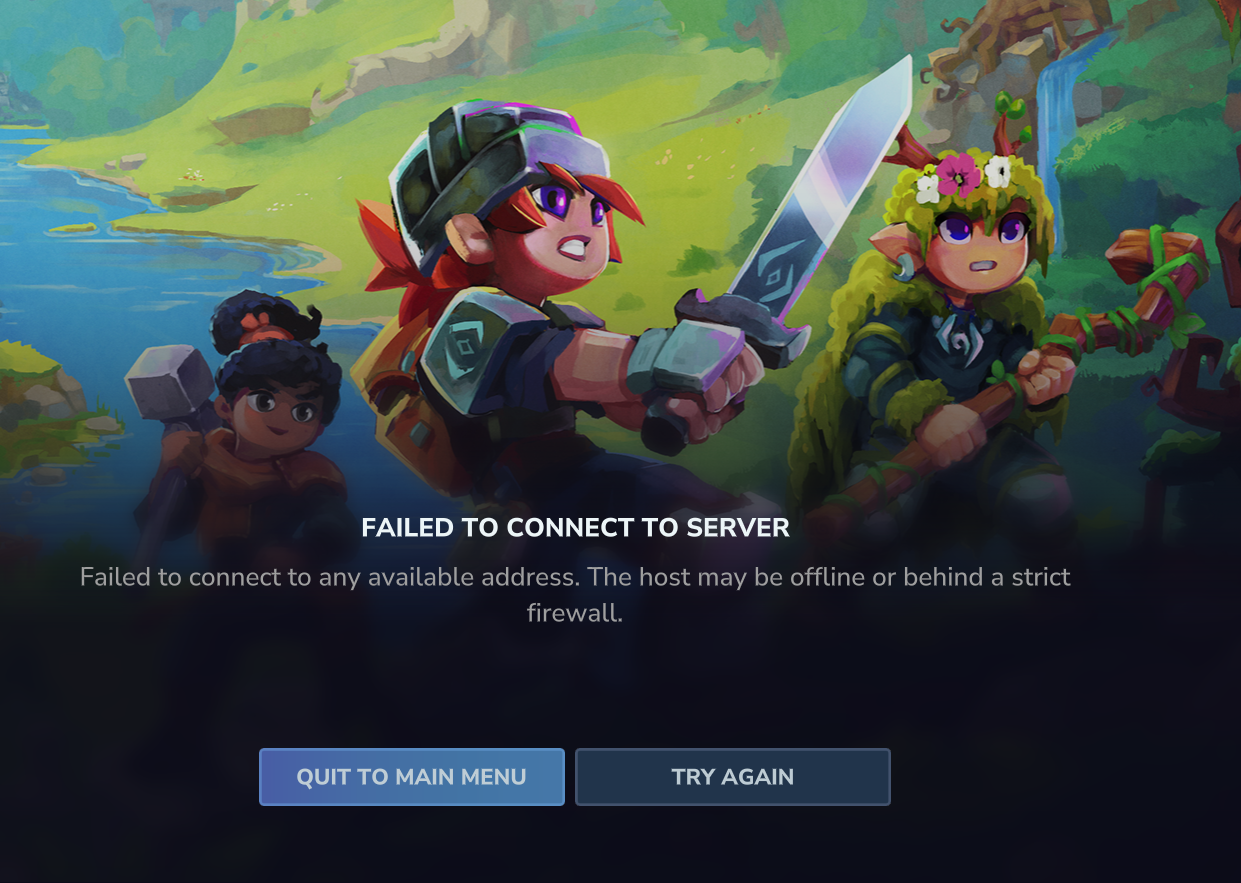
If you are trying to host a Hytale server for your friends and you keep seeing the Strict NAT / Firewall Error, don't worry. This is a common issue when your router blocks incoming connections.
If you have tried Port Forwarding and it still doesn't work, the best and easiest solution is to use ZeroTier. It creates a secure virtual network between you and your friends, completely bypassing router restrictions.
Download ZeroTier
First, you need to download the ZeroTier client for your computer.
Create Your Network (Host Only)
Only YOU (The Host) need to do this step. Your friends do NOT need to sign up.
- Install ZeroTier on your PC.
- Go to the ZeroTier Central website and sign up.
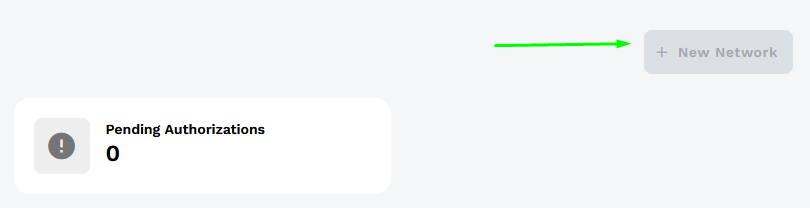
- Once logged in, click the button to create a New Network.
Get Your Network ID
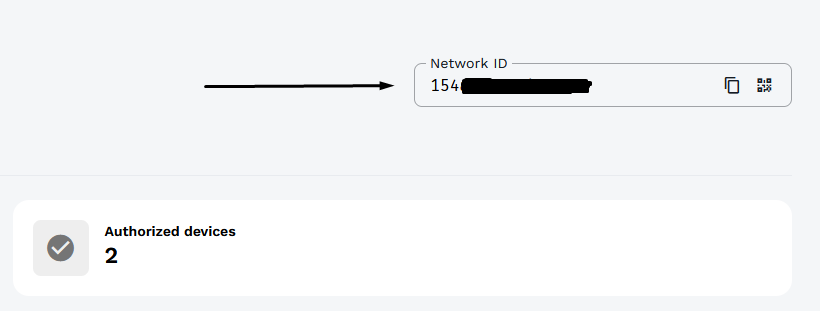
After creating the network, you will see it in your list. Copy the 16-digit Network ID.
Join the Network
Now, both YOU and YOUR FRIENDS need to join this network.
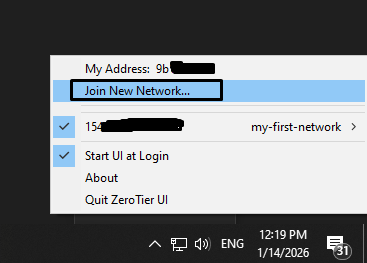
- Open ZeroTier from your taskbar (Right-click the icon in hidden icons).
- Click Join New Network...
- Paste the Network ID you copied earlier.
Authorize Devices (Critical!)
This is the most important step. As the host, go back to your ZeroTier Dashboard.
Refresh the page. You will see a list of "Members" at the bottom. You must check the Auth box next to each of your friends' devices to let them in.